Exporting Data
Ideal Workout lets you export your complete workout log as a CSV file, so you can analyse your data in a spreadsheet or keep a personal backup.
How to export
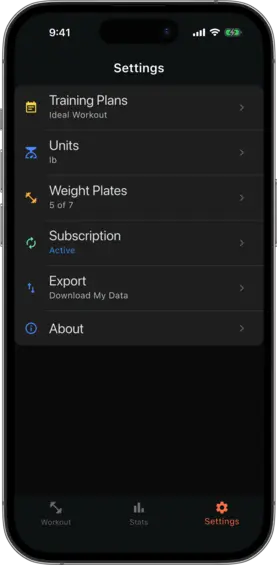
Go to Settings → Export Data and tap Request Export. The export is generated and delivered to you — check your email for a download link.
The CSV includes every logged session: dates, exercises, set names, weights, and reps.